
Things worth
learning, built
to be played.
A one-person studio making guides, games, and reference tools — for card games, fighting games, history classrooms, certification exams, and the AI tools on your desk. All free. All in the browser. No signup, ever.
Six shelves. Sixteen things you can open right now.
Each one started as something I actually needed and couldn't find — a rules answer at the table, a way to teach a hard chapter, a straight answer about an exam or a tool that everyone assumes you already understand. They're grouped here by what they're for, because "a Lorcana rules library" and "a Marvel watch tracker" don't belong in the same sentence.
Common Play Learning
Flattening the curve of competitive gaming — six beginner guides split into card games and fighting games, a shared vocabulary, and a directory of the best of the rest.
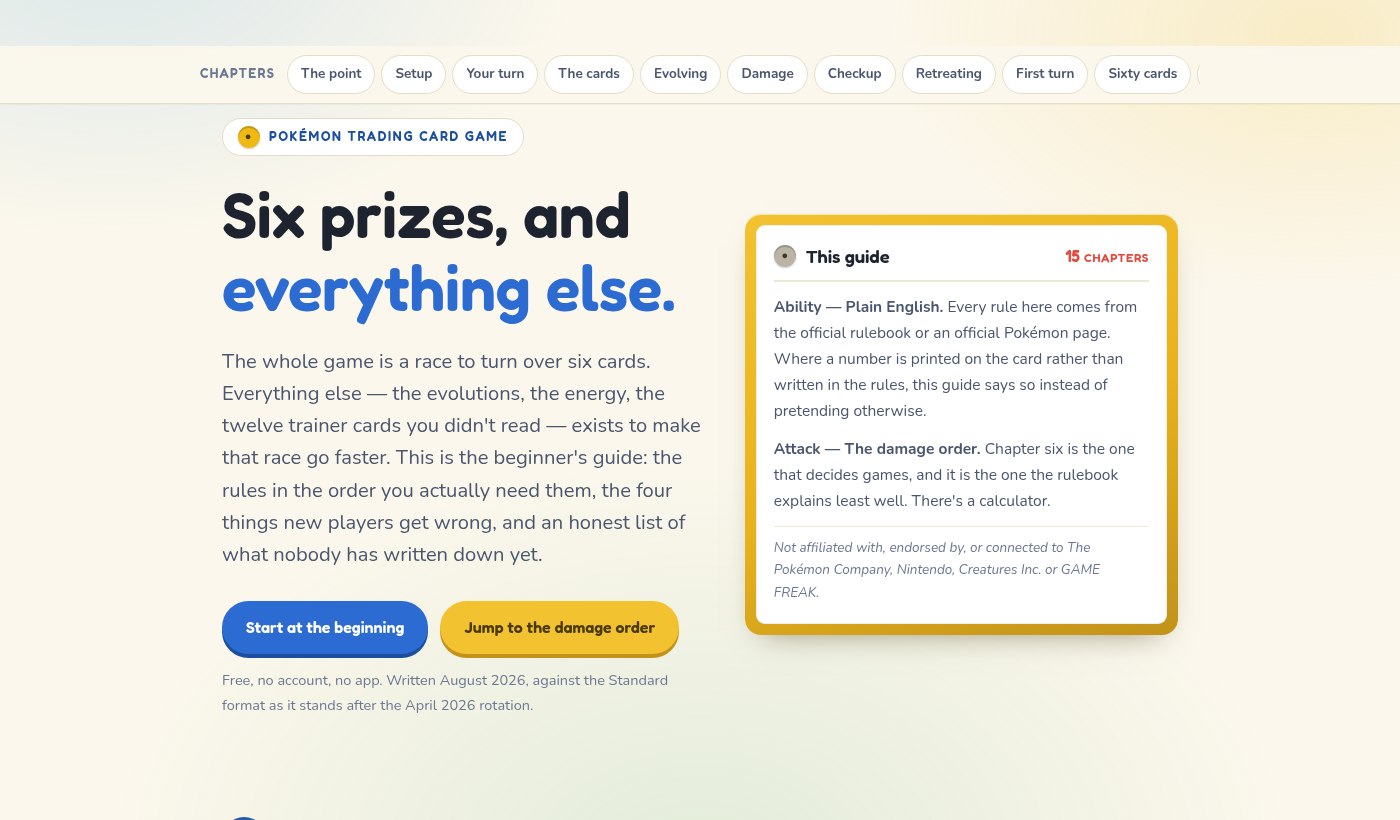
Six Prizes — Pokémon TCG
The biggest card game there is, taught in the order you actually need it. Fifteen chapters covering the six-prize race, the turn, evolution's two separate timing rules, the six-step damage order that decides games, the Checkup, deck building and regulation marks — plus what to unlearn if you arrived from Pokémon TCG Pocket.
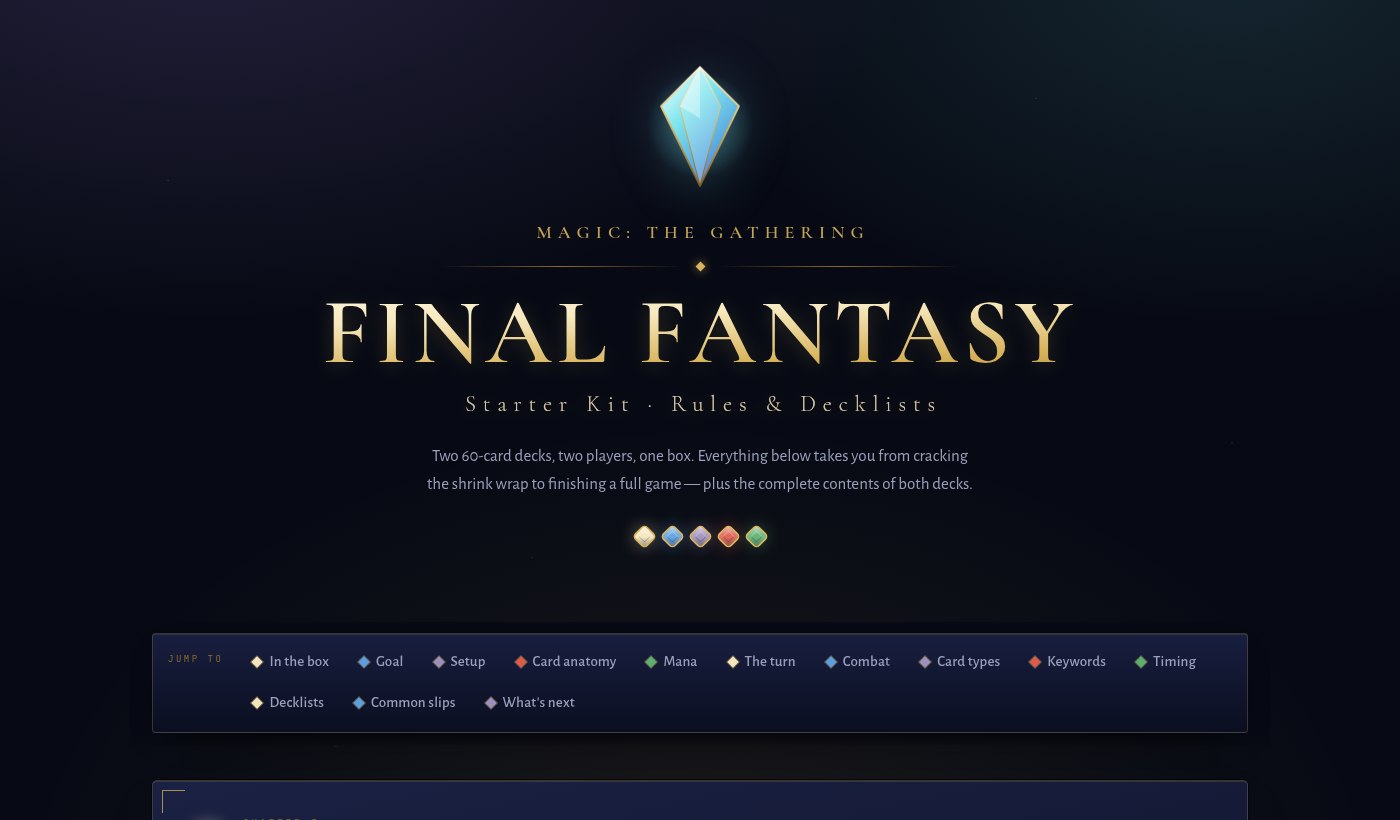
Magic: The Gathering — FINAL FANTASY
The Starter Kit box, taught from the shrink wrap forward. Thirteen chapters covering what the box assumes you already know — lands and mana, the whole turn as a clickable sequence, combat step by step, the stack, and the set's own Job select and Tiered mechanics — plus both complete 60-card decklists.
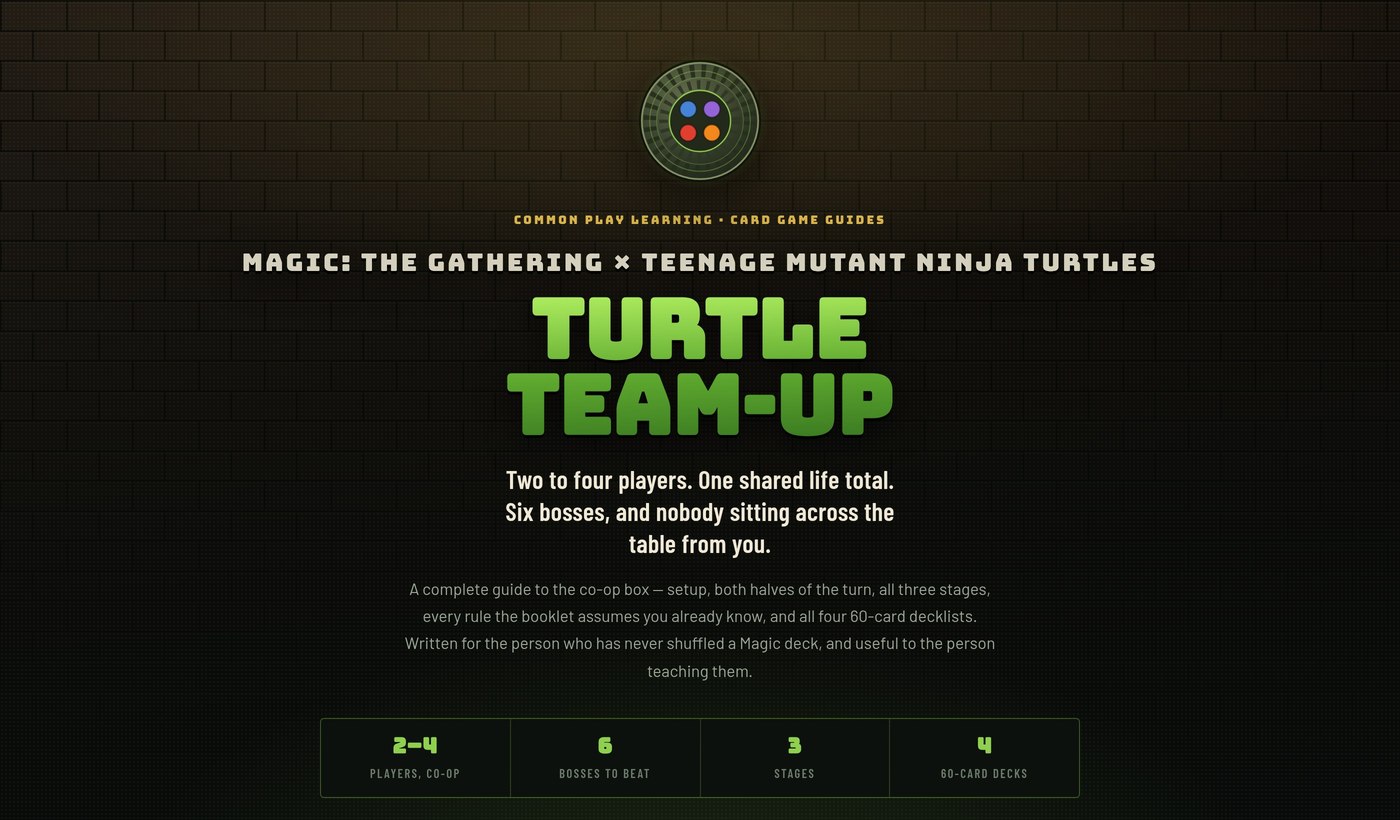
Magic: The Gathering — Turtle Team-Up
The co-op box: two to four players share one life total, and the opponent is a stack of cards that plays itself. Setup, both halves of the turn, the three boss stages, all four 60-card decklists, printed text for every Boss, Event and Ninja — and the six rules the launch-week videos got wrong.
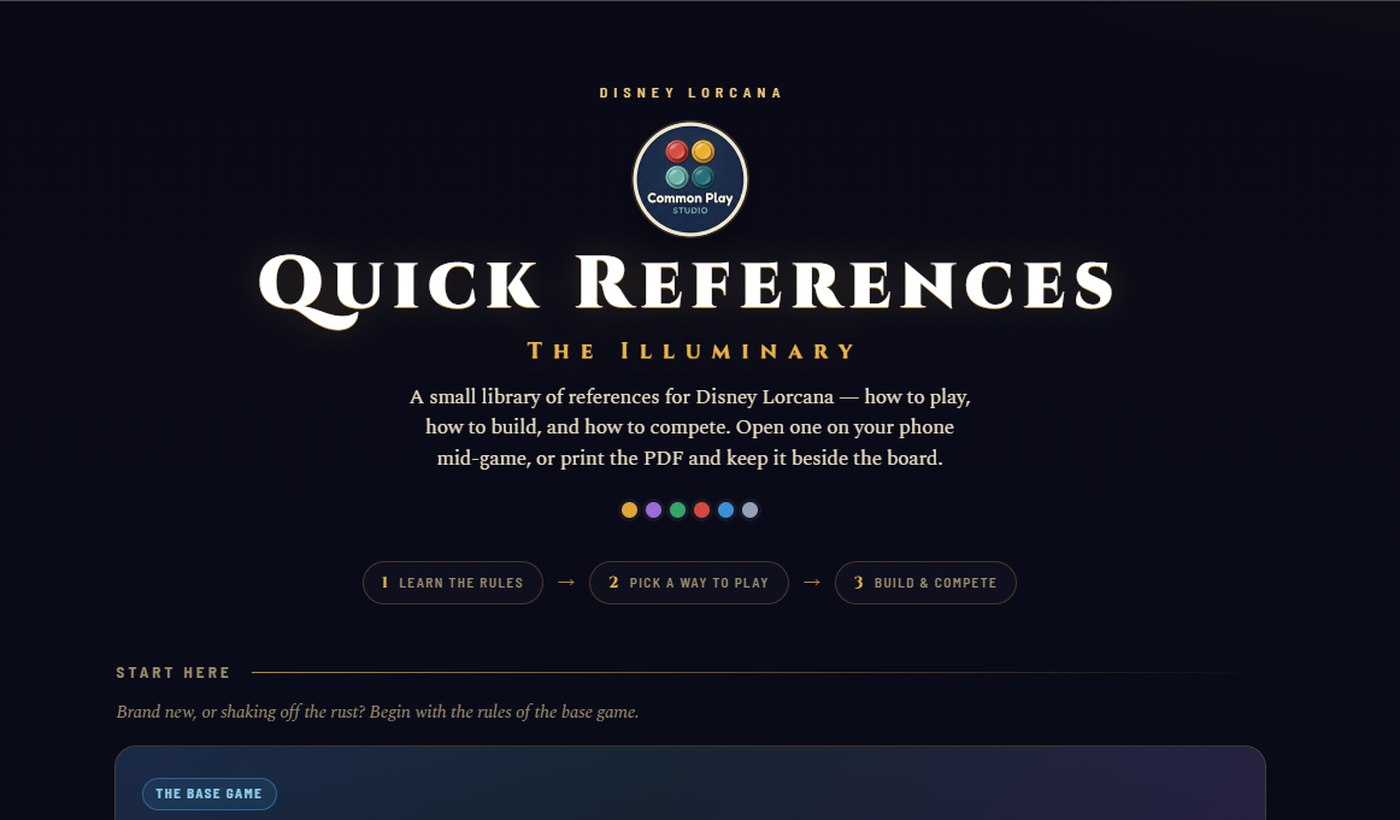
The Illuminary
A quick-reference library for Disney Lorcana: core rules and keyword glossary, nine ways to play, both Illumineer's Quest co-op scenarios, deck-building math, and the tournament + rotation picture. Built to answer a table argument in ten seconds.
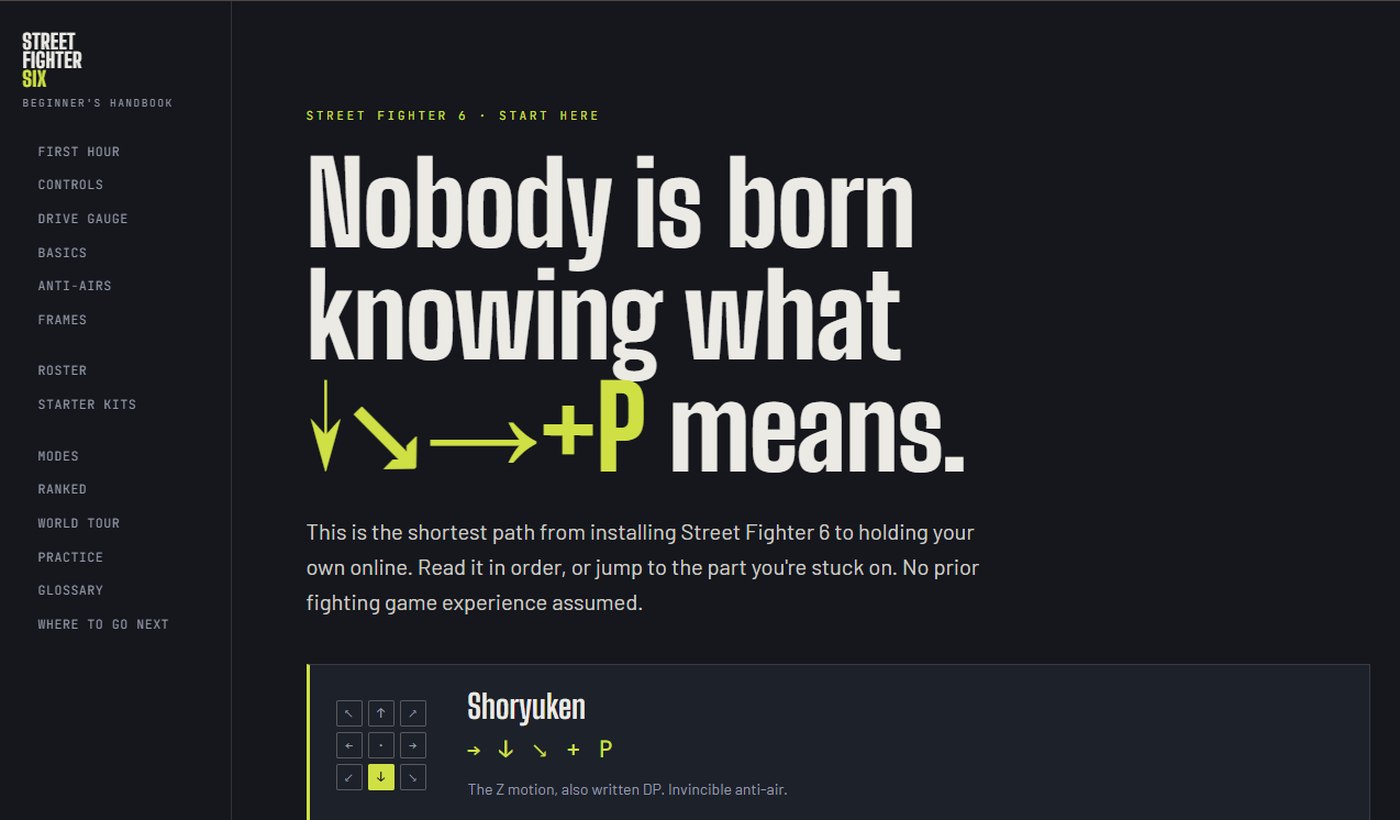
Street Fighter 6: Beginner's Handbook
Fourteen chapters from install to your first ranked set, assuming zero fighting-game background. Modern vs. Classic controls, a Drive Gauge you can burn out on purpose, anti-airs, frame data in plain English, starter characters, and a practice mindset that keeps you from quitting in week two.
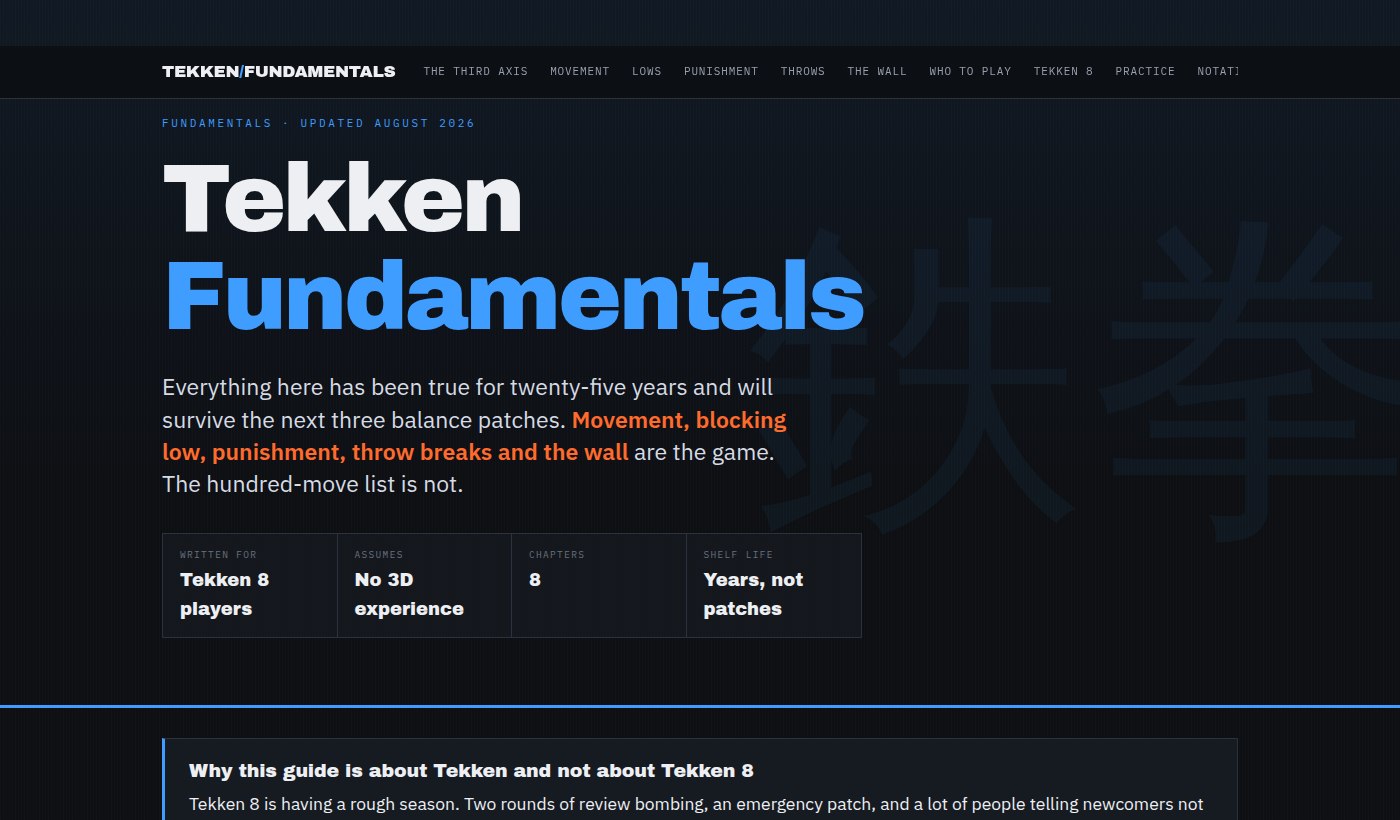
Tekken
Built deliberately around the parts that don't change. Sidestepping linear attacks, holding down-back, punishing what you block, breaking throws by reading which arm reaches for you, and using the wall — all true since Tekken 3 and all still true after the next patch. One clearly-fenced chapter covers Tekken 8's own Heat and Rage systems.
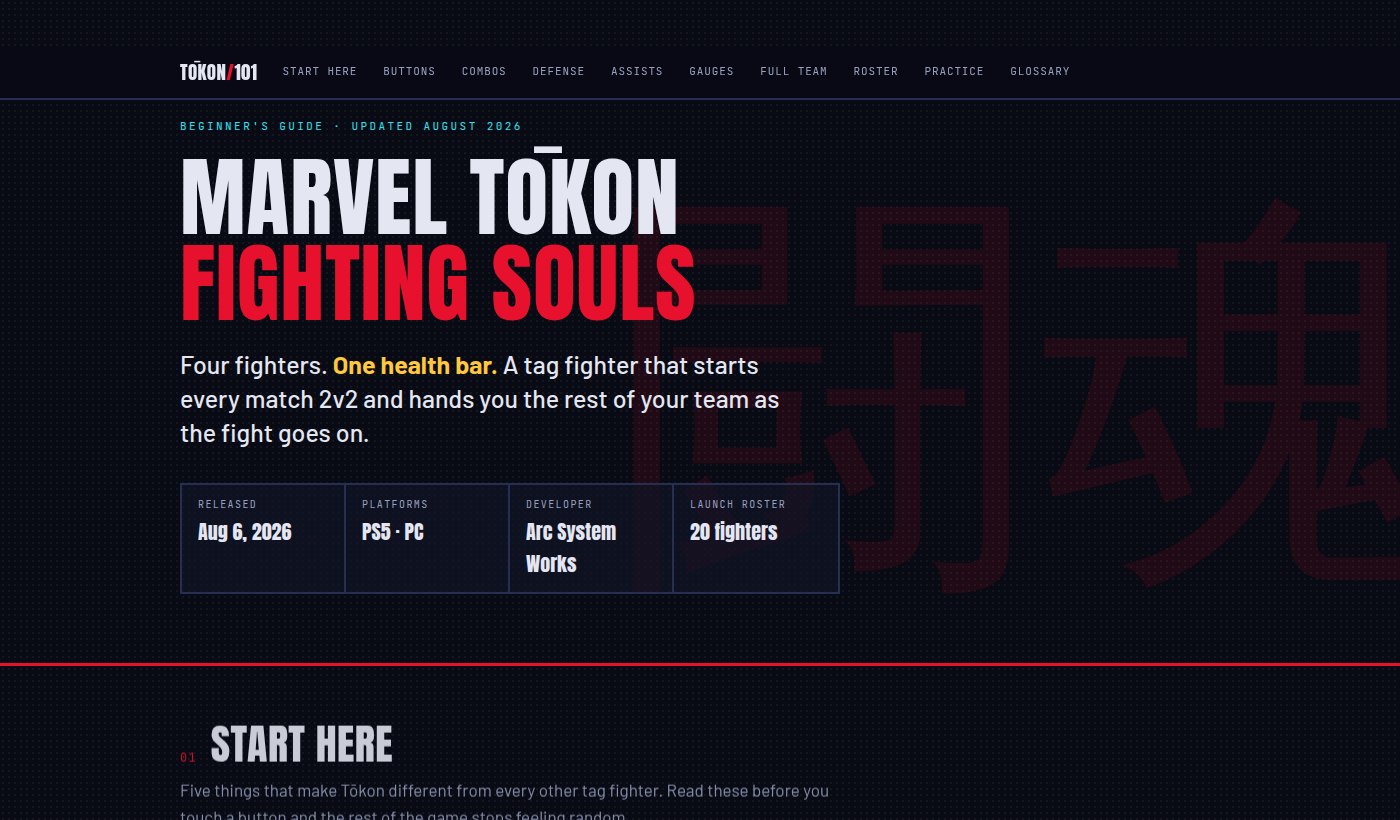
MARVEL Tōkon: Fighting Souls
Four fighters, one shared health bar, and a match that starts 2v2 and hands you the rest of your team as it goes. The team layer is the genuinely new part, so that's where the guide spends its time: assists, switching, the corner Break that unlocks your squad, and a first-week plan that doesn't ask you to learn motion inputs on day one. A second page picks up in week two with combo extension, assist discipline and team order.
In the classroom
Built for a teaching period, and for the exam that decides whether you get to run the building.
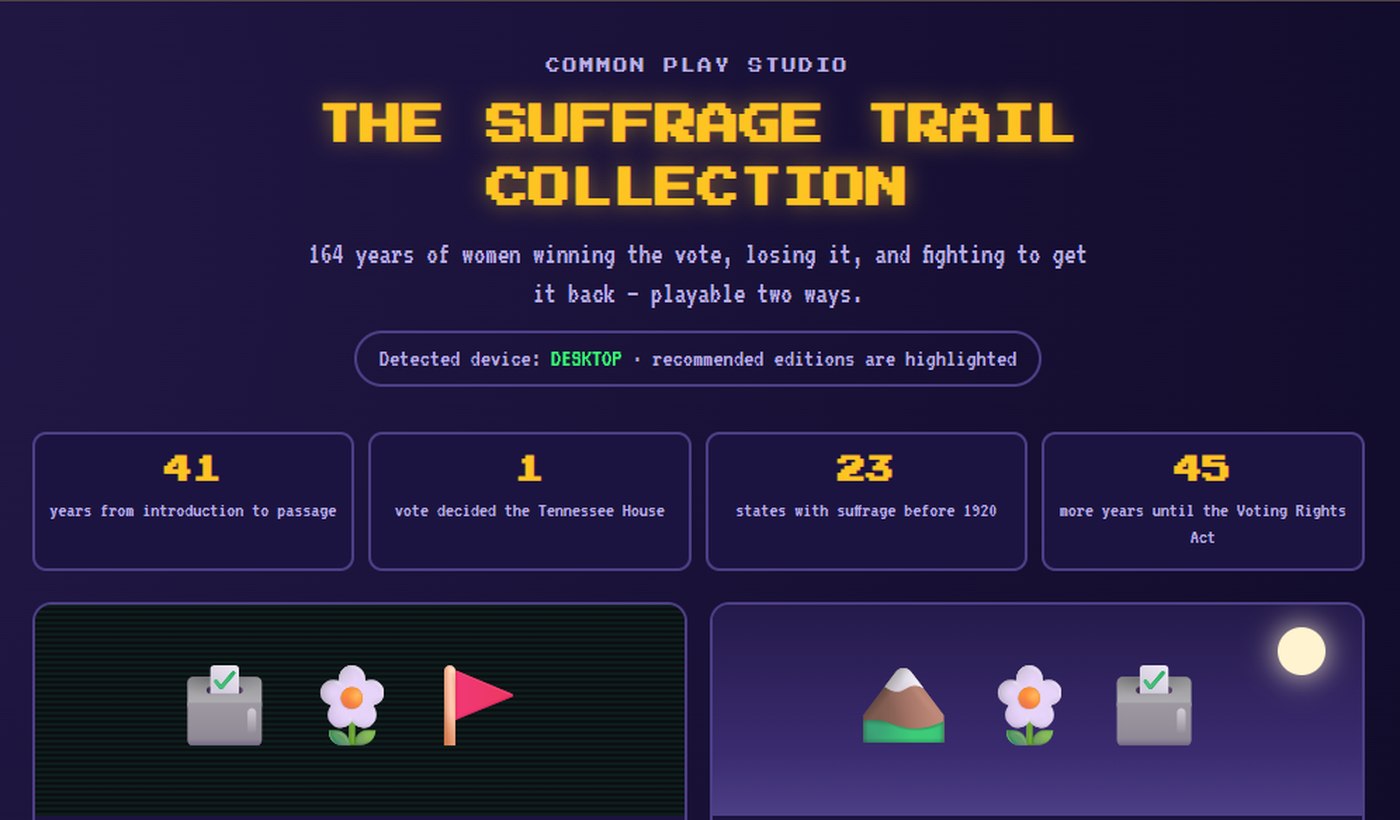
The Suffrage Trail Collection
164 years of the fight for women's voting rights, told as two games. A choice-driven 8-bit story following five historical figures, and a first-person walk through a memorial park. Made for a classroom period, and it holds up outside one.
NY School Leadership Prep
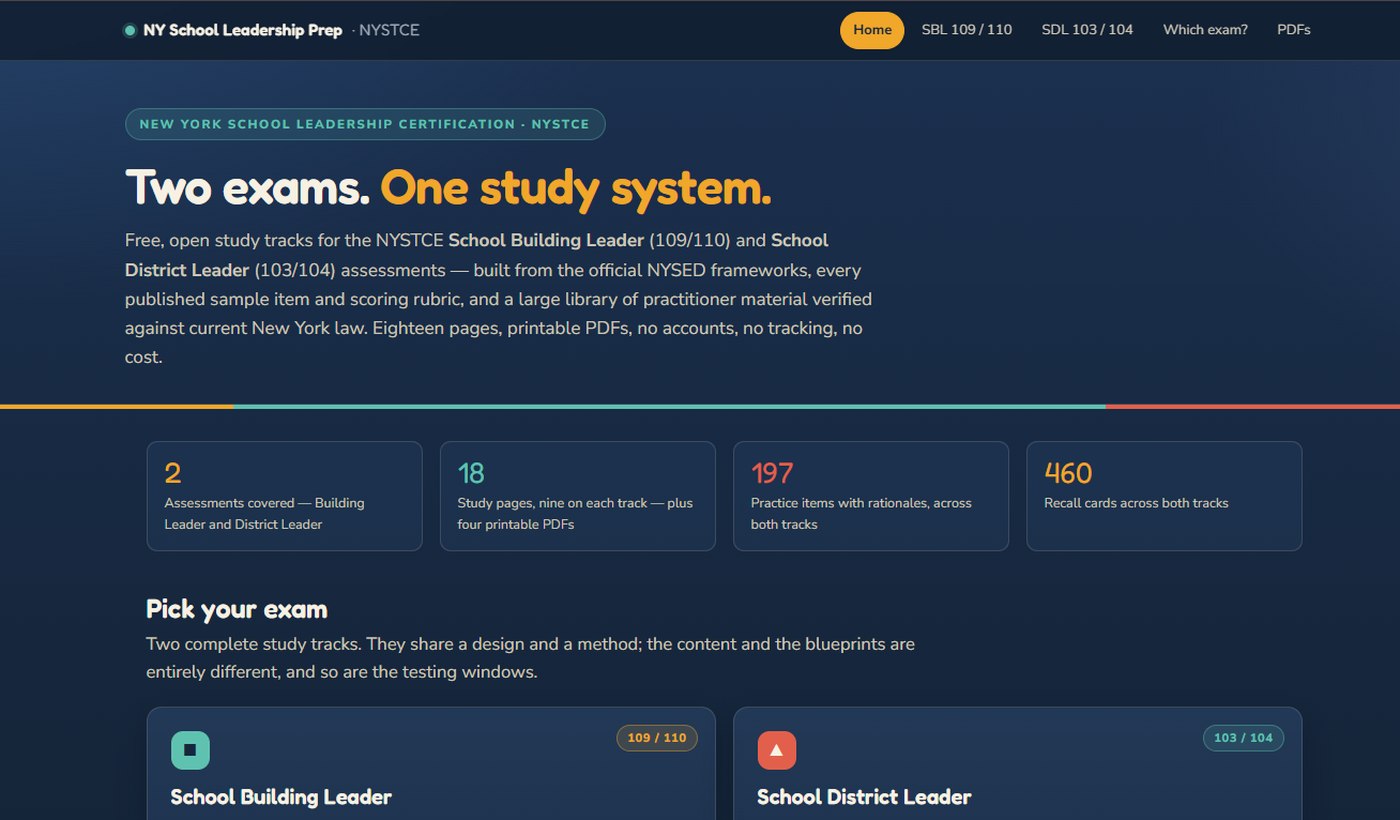
Two exams, one study system. Free, open study tracks for the NYSTCE School Building Leader (109/110) and School District Leader (103/104) assessments — with the part nobody explains up front: which one you actually need for the job you want. Official NYSED material is labeled separately from practitioner-written commentary, so you always know what you're reading.
At your desk
Getting the AI tools you already pay for to actually do something useful.
Claude Pro Quick Start
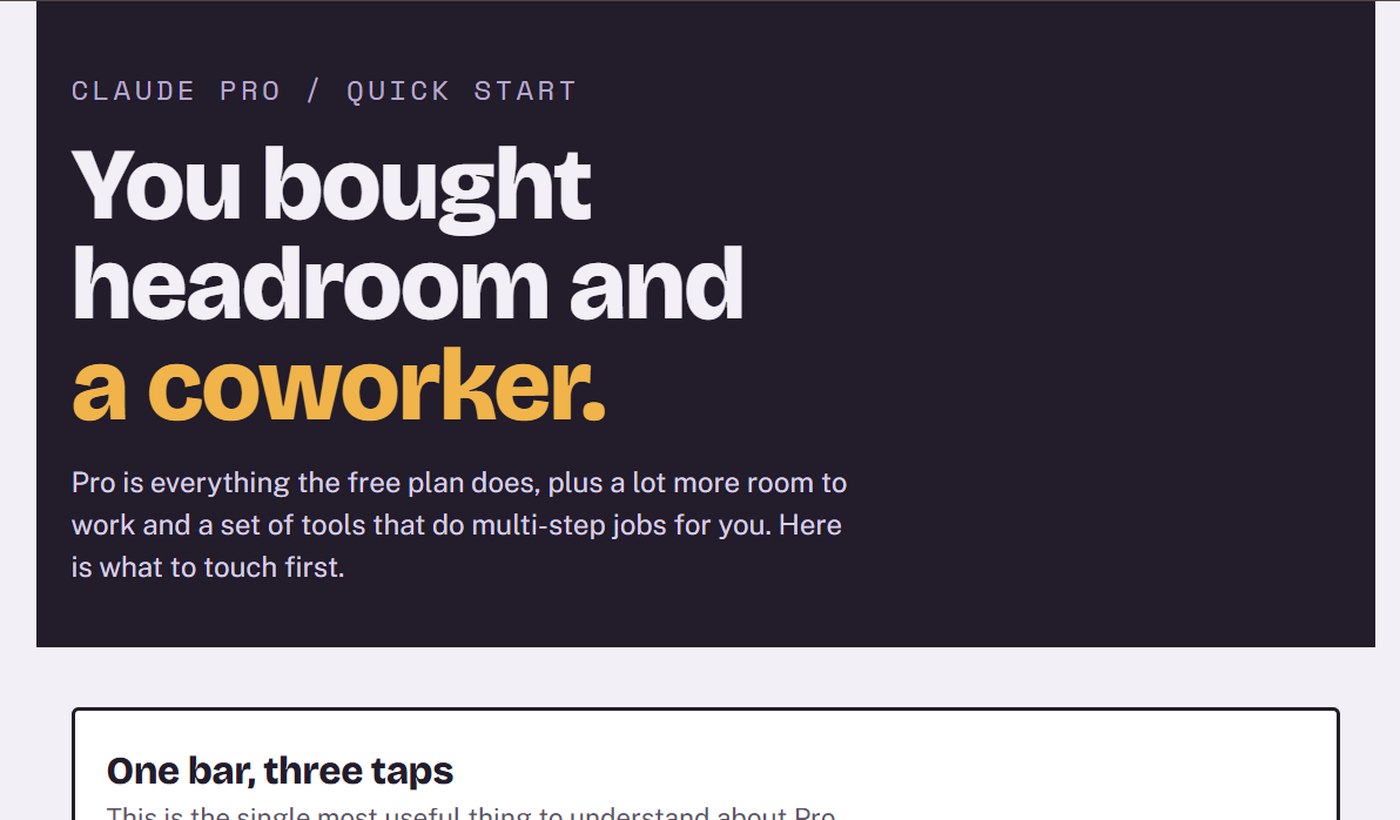
You just upgraded — now what? What actually unlocked (Cowork, Research, Projects, Opus, Claude Code), how the usage bar really works, the habits that stretch it, and what to do when you hit the wall mid-task.
Prompting Is Not the Skill
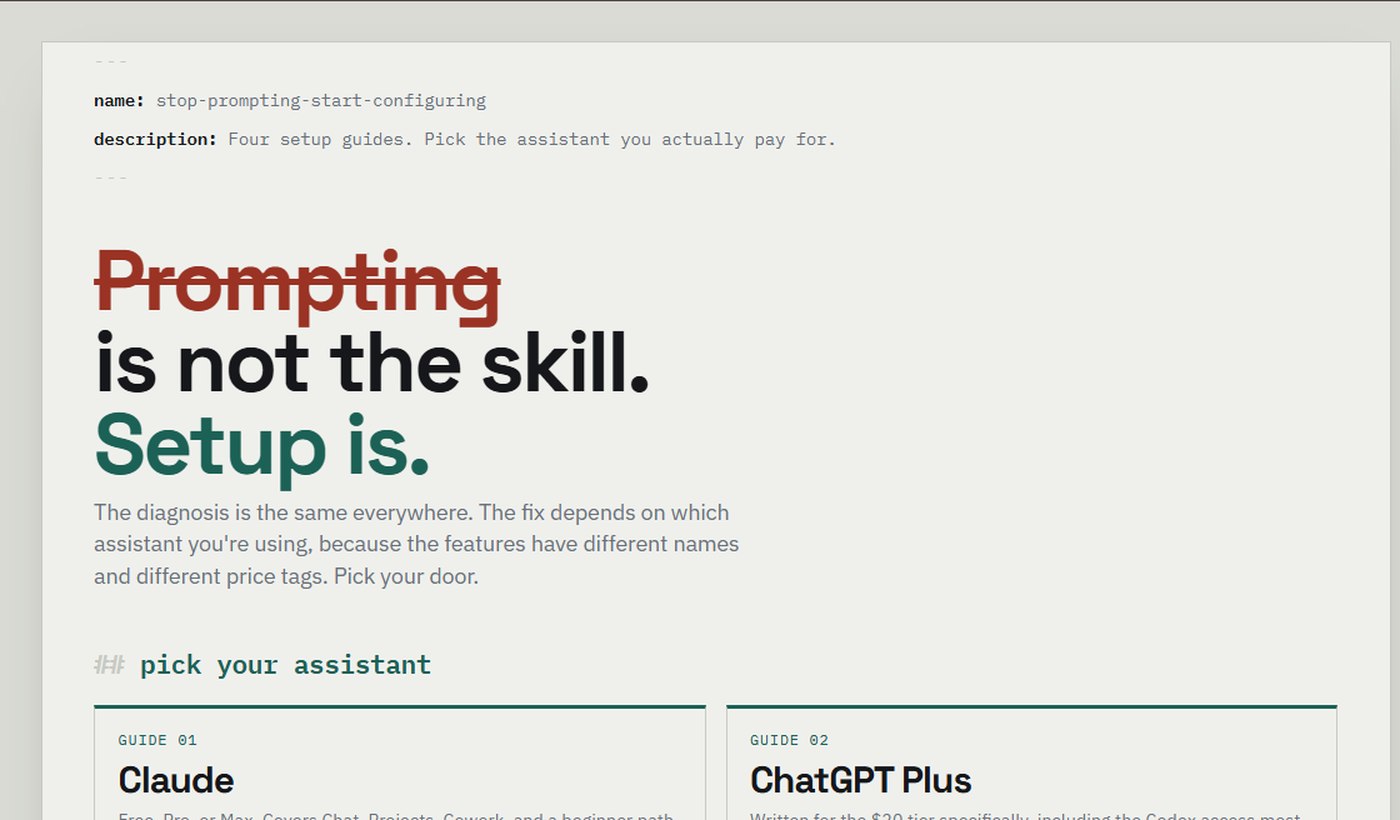
Four setup guides — Claude, ChatGPT Plus, Microsoft 365 Copilot, Gemini for Workspace — built on one argument: the wording of your prompt matters far less than the context it lands in. No email capture, no prompt library to buy.
For the fun of it
The two that exist because I wanted them to, and no other reason.
The MCU in Sequence
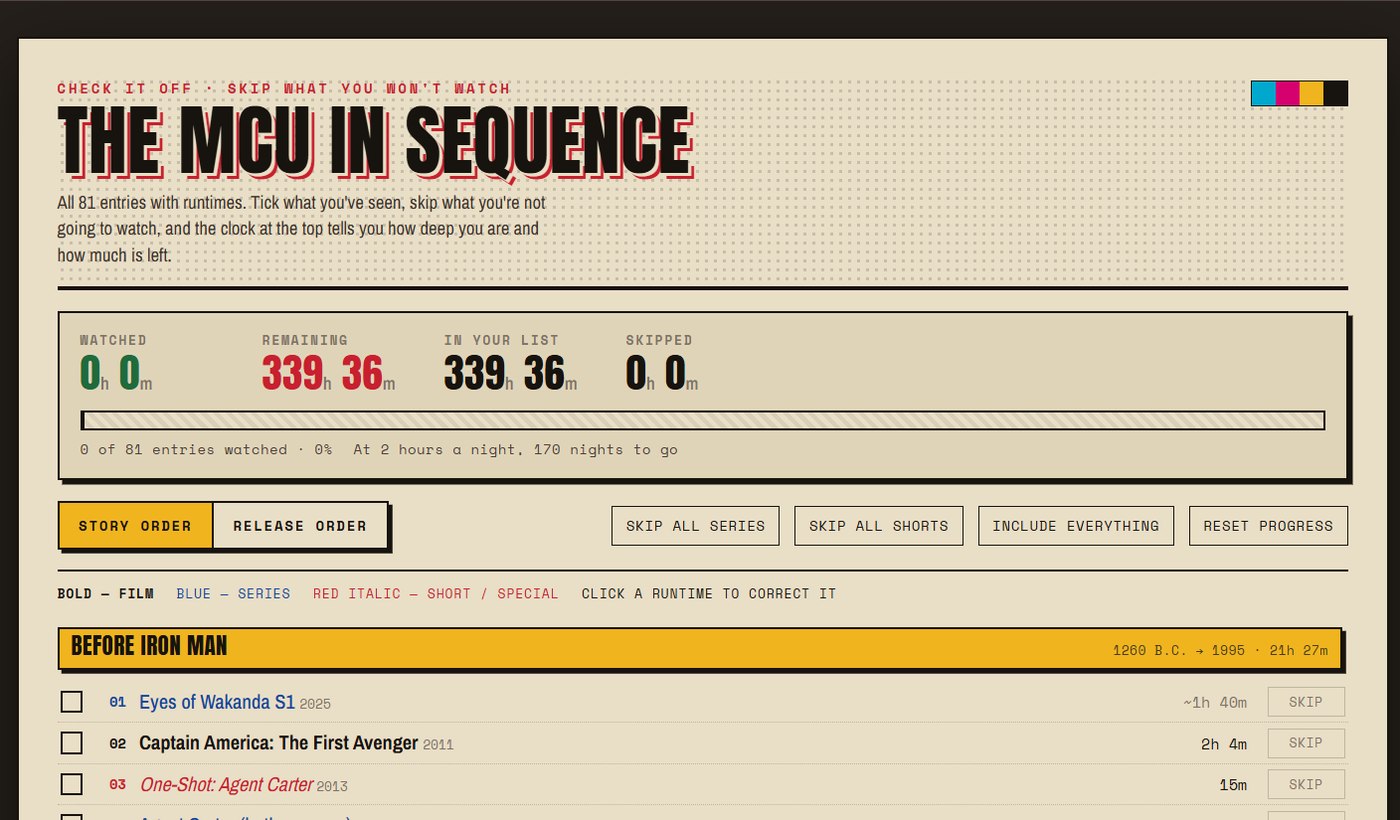
Check it off, skip what you won't watch. All 81 entries — 38 films, 36 series, 7 shorts — orderable by story or by release, with a running count of hours watched and hours left, converted into the only unit that means anything: nights at two hours a night. Your choices save to your device; nothing leaves it.
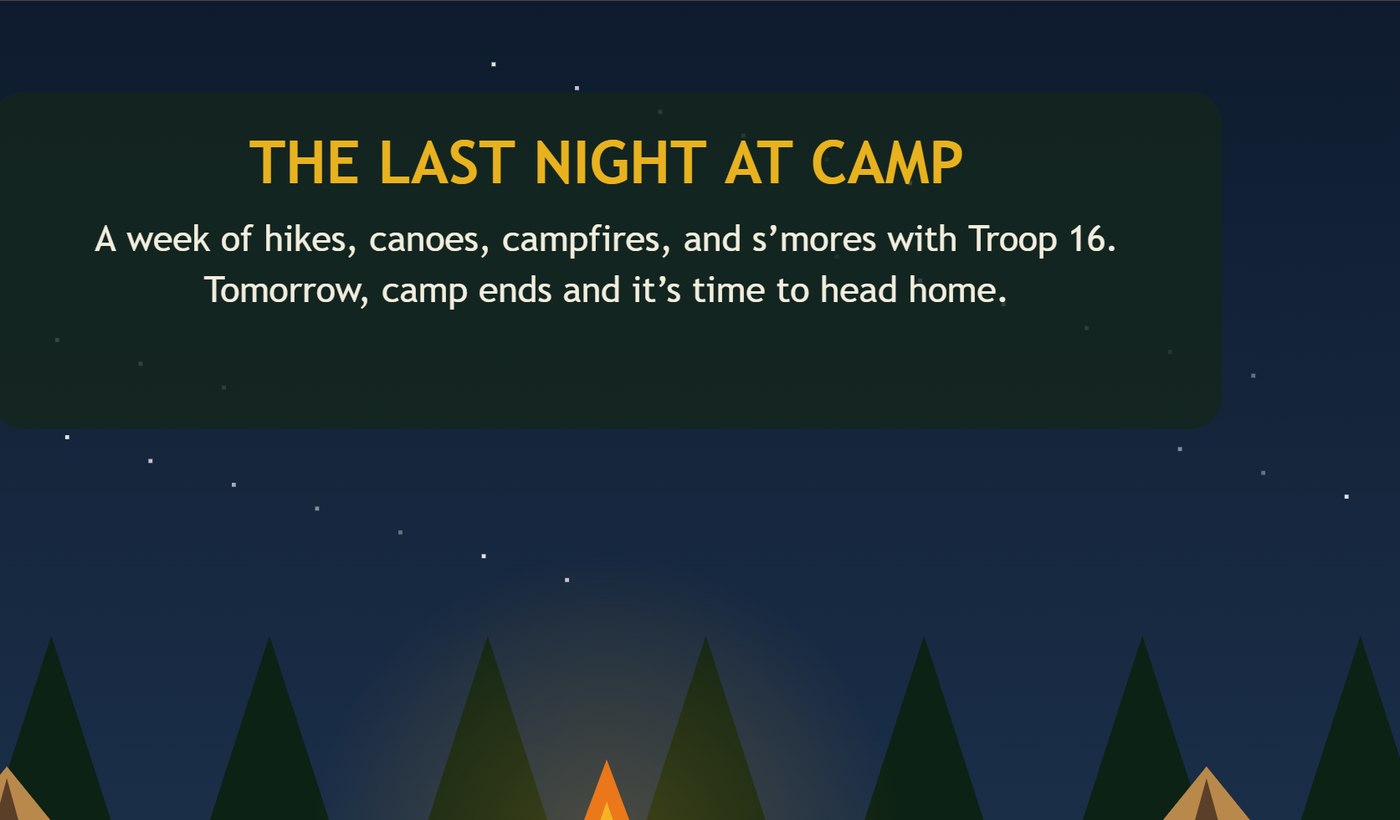
Troop 16: The Long Hike Home
The last night at camp. A week of hikes, canoes, campfires and s'mores with Troop 16 is over, and tomorrow everyone goes home. An illustrated story told one screen at a time — tap forward, tap back, or jump anywhere in it — built for the phone in your pocket rather than a desk.
At the table
Scorekeepers for the games that make you do arithmetic between hands. Both are Common Play Prototypes — working, in use, and still being sharpened.
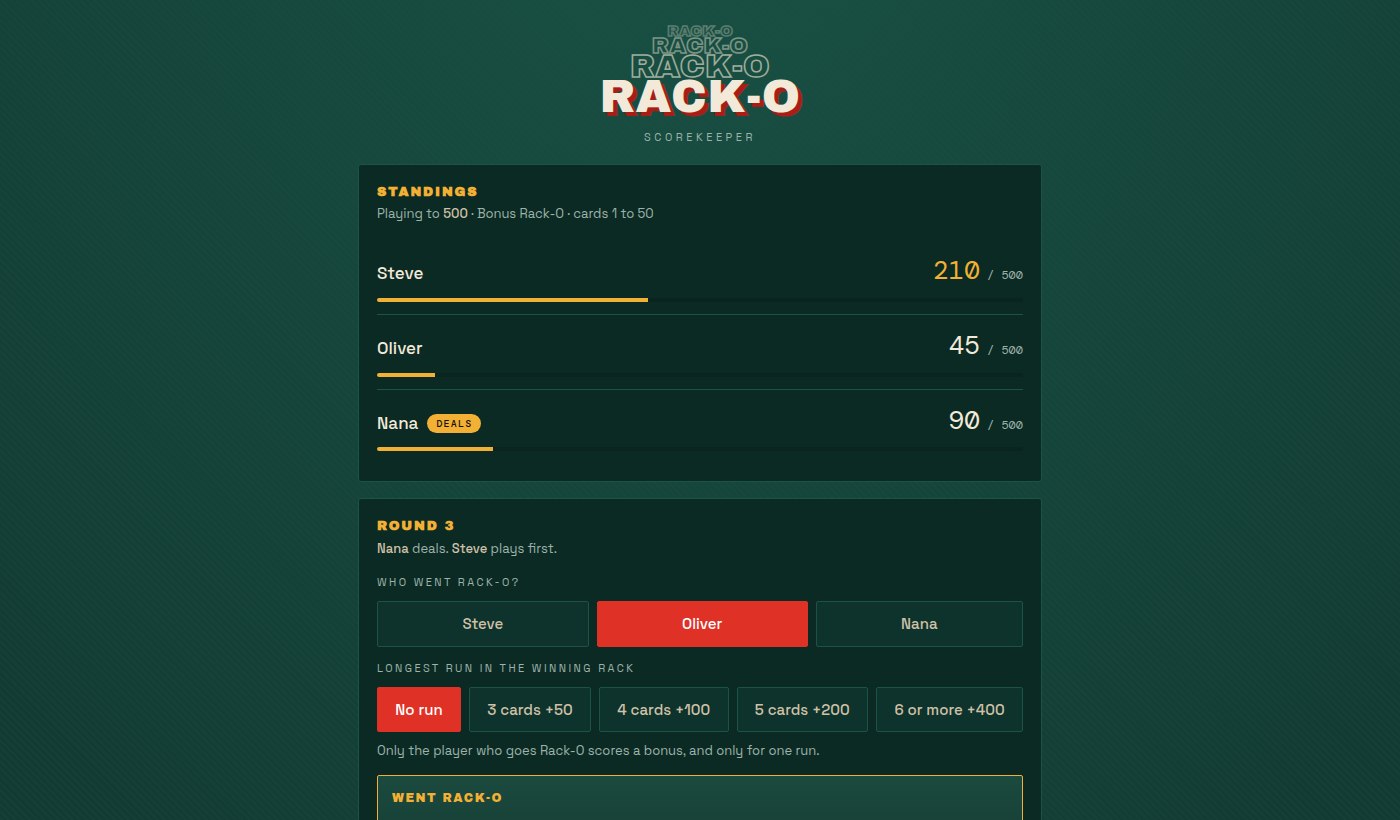
Rack-O Scorekeeper
Keeps score for Rack-O so the pad stays in the box. Pick who went Rack-O, then tap the slot where each other rack stops reading low to high — it works out the rest, including the Bonus Rack-O run bonuses, which are the part everyone argues about. Undo the last round when someone miscounts, because someone will.
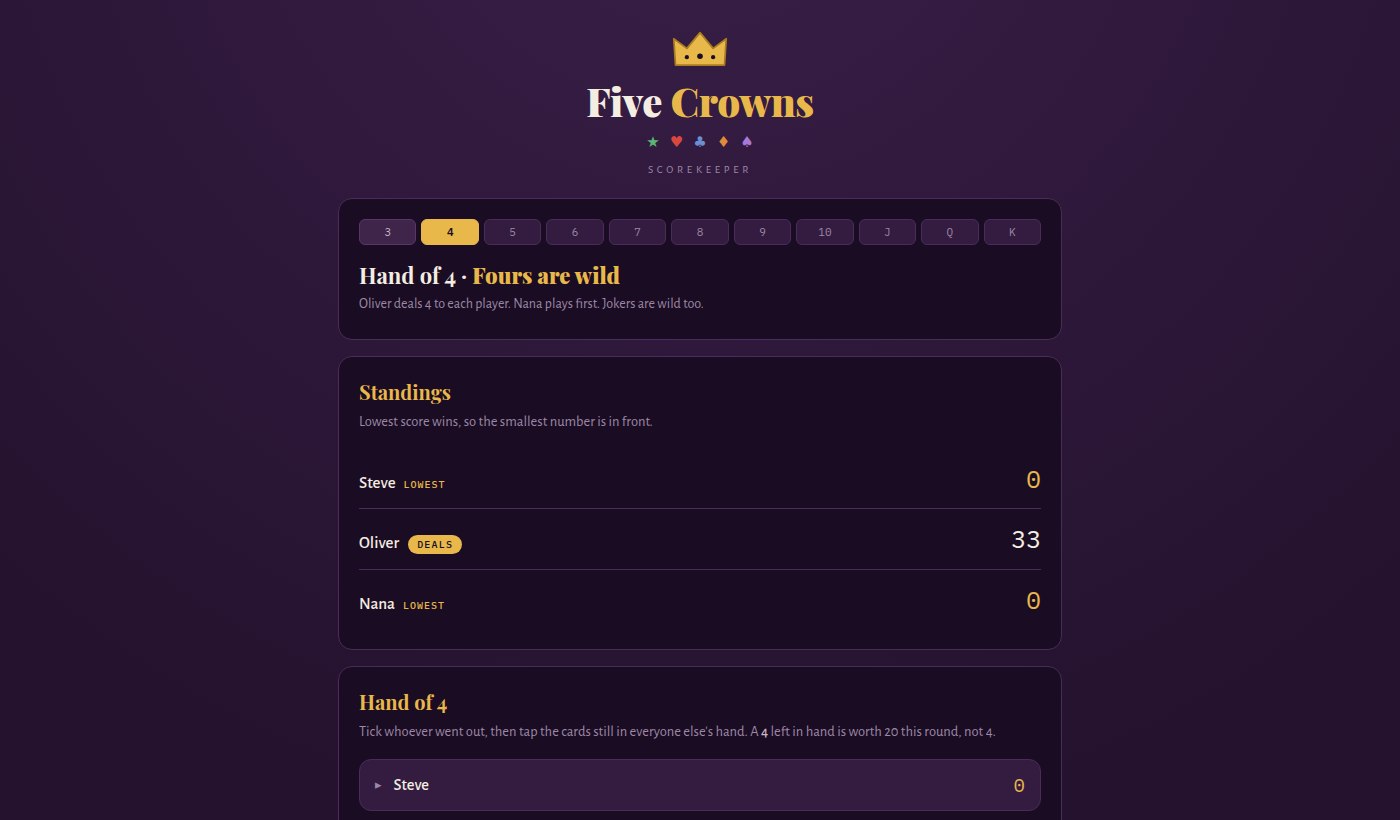
Five Crowns Scorekeeper
Eleven hands, three cards up to thirteen, and a different rank wild in every one of them. It tracks which rank is wild, then lets you tap the cards still in your hand and does the adding — a wild counts twenty, a joker counts fifty, and nobody has to hold that in their head at eleven at night. Lowest score wins, and the sheet keeps the running subtotal the paper one does.
Common Play Adaptations
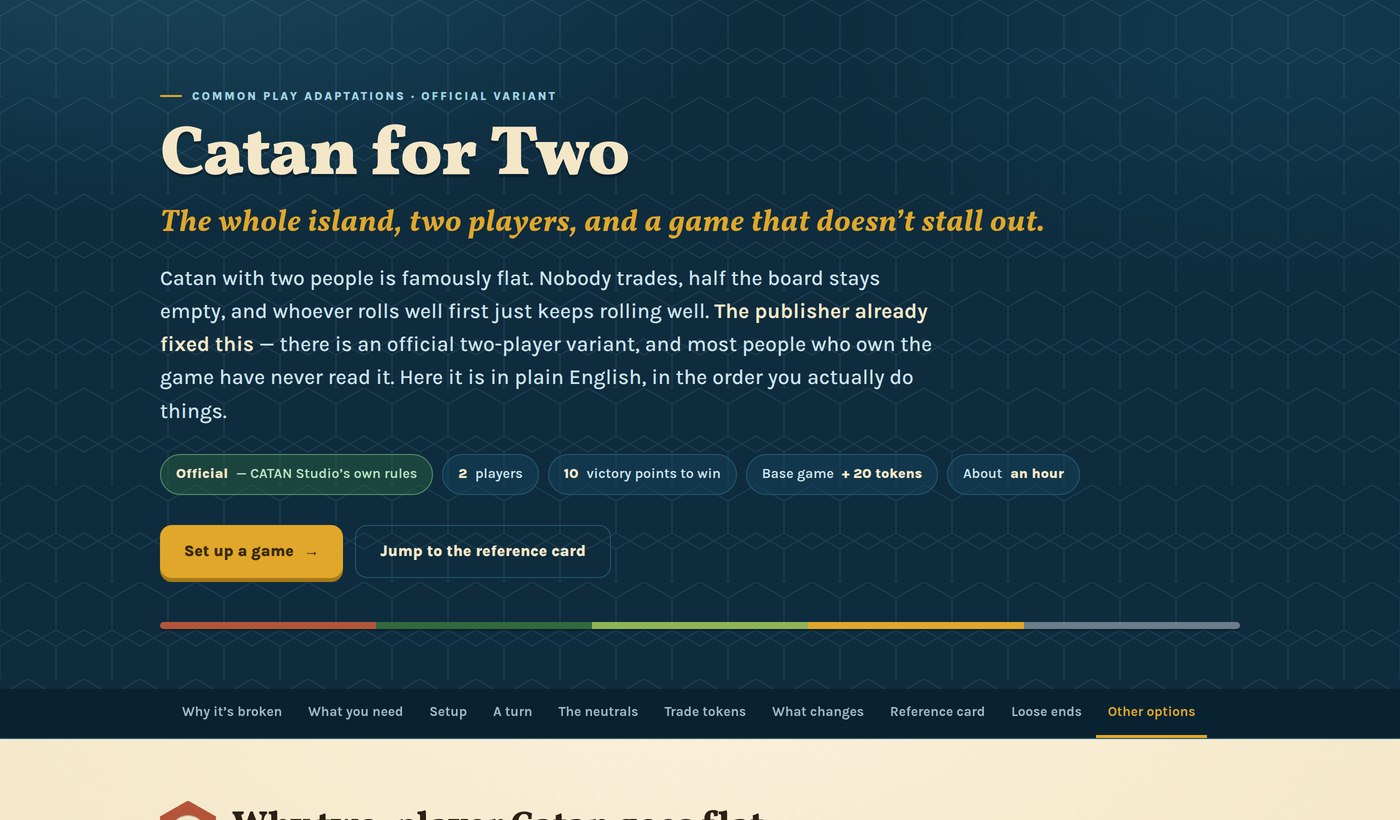
The version that fits the table you actually have — games you already own, played the way the box doesn’t assume. Every page says where its rules came from and marks the parts that are somebody’s house rule rather than the publisher’s.

Common Play Studio
I'm a teacher by trade, and a builder by habit. Common Play Studio is where the things I make end up.
The through-line isn't a subject. It's a shape: take something that's genuinely worth knowing but annoying to learn, and rebuild the on-ramp. Sometimes that's a rules reference you can scan mid-game. Sometimes it's a history unit you can walk around inside. Sometimes it's a certification exam nobody explains to you until you're already paying for it.
Everything here is free, loads fast, works on a phone, and asks nothing of you. That's not a business model. It's the point.
-
Play is a serious methodPeople learn faster when they're allowed to try things and be wrong. Every project here is built to be poked at, not read at.
-
The on-ramp is the hard partMost subjects aren't too difficult — they're badly introduced. I spend the effort on the first ten minutes.
-
Free, and actually freeNo accounts, no email capture, no upsell at the bottom. Open the link, use the thing, close the tab.
-
Built for the room it's used inA phone at a game table. A projector in a classroom. A laptop at 11pm. It should work wherever you actually are.
Got something worth building?
Curriculum, a classroom tool, a guide that ought to exist, or just a note that something here is wrong — all welcome.